
A healthcare cloud migration checklist should describe how a legacy application works in real clinical and administrative workflows, not just list its software and hardware. Before moving it, document the information it handles, the people and systems that rely on it, and what your organization and cloud provider will each be responsible for.
This inventory helps your team expose undocumented dependencies and plan how to verify the application after migration. Treat the move as a change to a working service, with clinical and operational consequences, rather than a simple hosting change.
Start with the application and its purpose
Record the application’s name, business owner, technical owner, vendor, current hosting location, and the functions it supports. Note which workflows depend on it, such as documentation, scheduling, billing, reporting, or coordination with other care systems. Include when the application is used and which teams need it to do their work.
Ask the people who use it what would be interrupted if it became unavailable. Staff interviews and workflow reviews can surface informal processes, local workarounds, or application features that are not captured in technical documentation. These details help distinguish a low-impact inconvenience from a disruption that needs a specific migration or recovery plan.
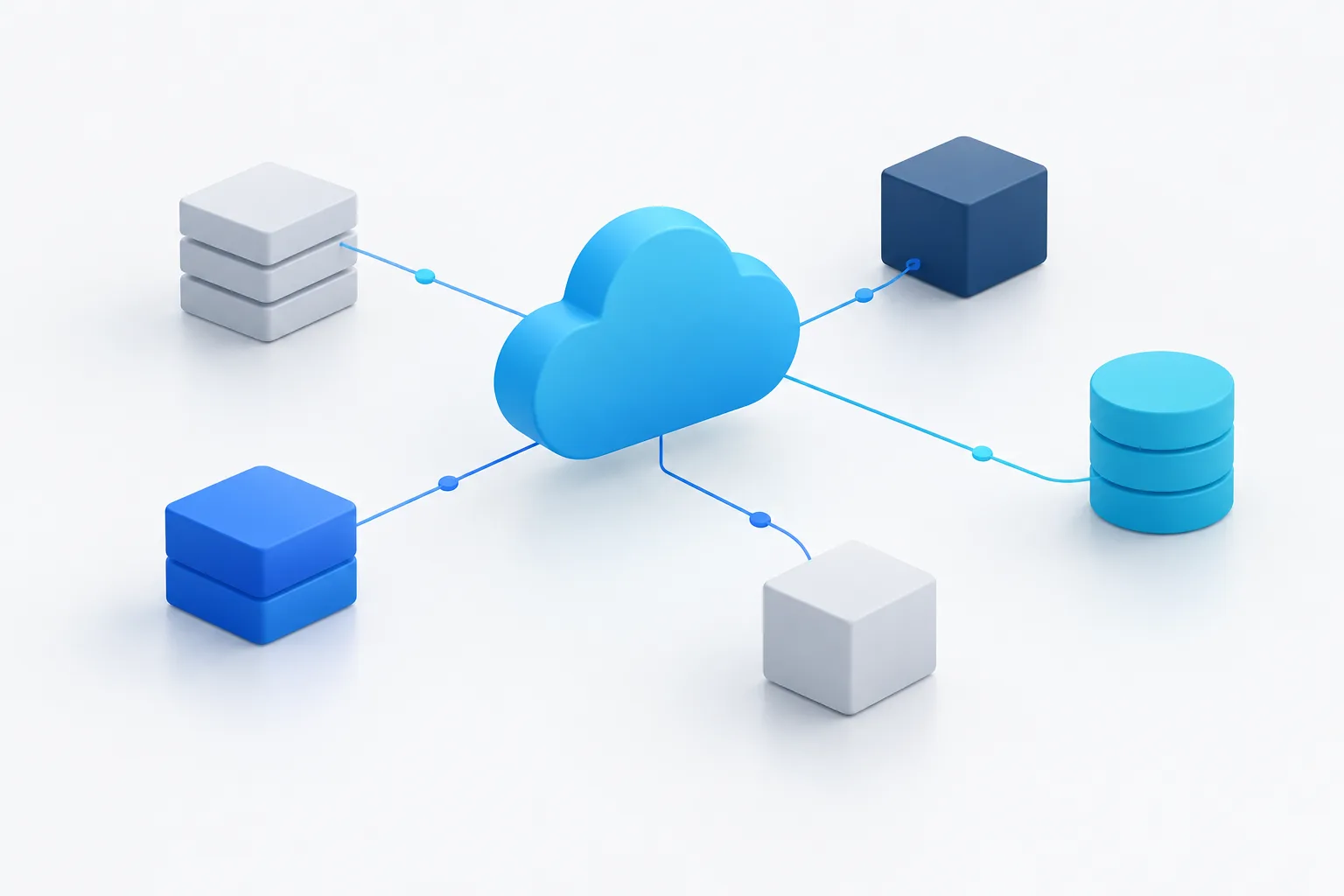
Map data and ePHI flows
Document what data the application creates, receives, stores, and transmits. Identify where ePHI enters the workflow, where it is processed or retained, and where it goes next. Include data exchanges with connected systems, downloaded files, reports, backups, and interfaces. An application inventory tells you what software exists; a data-flow map shows how information moves through it.
- List the data types the application handles and the workflows that use them.
- Record data sources, destinations, storage locations, and transfer methods.
- Identify retention needs, historical records, and any data that must remain accessible.
- Note whether files or records are exported, printed, copied, or handled through manual steps.
- Document the people who can access, administer, or support the data.
For additional context on protecting information during cloud planning, see Zevonix’s guidance on healthcare data privacy practices. Confirm your organization’s specific compliance and retention needs with the appropriate internal specialists.
Find every dependency, including the informal ones
Build a dependency list that goes beyond systems named in architecture diagrams. Ask application users, IT staff, and vendors to identify each connection the application needs to function. Include interfaces, APIs, file transfers, network paths, devices, external services, scheduled jobs, reports, and authentication services. Record who owns each dependency and how the application behaves if it is unavailable.
Also ask about manual workarounds. A team may download a file, re-enter information in another system, or rely on a device or report that does not appear in the formal design. Those steps can become important migration risks if connectivity, timing, or access changes.
For each connection, note what information moves, in which direction, how often it moves, and how staff know whether the exchange worked. If the details are unclear, mark them for validation rather than assuming the interface is no longer used.
Document users, access, and support paths
List user groups and the tasks they perform in the application. Record the access each role needs, how users authenticate, and how access is requested, changed, and removed. Include service accounts, vendor administrative access, remote access, and any shared or specialized workstations involved in the workflow.
Check which access controls and audit records the application supports, and identify what your team needs to review after migration. Confirm how users will reach the cloud-hosted application from each relevant location and device. If the application depends on network connectivity, include that dependency in planning; Zevonix’s article on connectivity for cloud healthcare applications can help inform that discussion.
Set recovery and downtime expectations
Recovery planning should reflect the application’s role in care and operations. Document how long the organization can tolerate the application being unavailable, which functions need to return first, and what staff should do during an interruption. Identify backup frequency and scope, where backups are held, who can restore them, and how the team will confirm that a restoration worked.
- Define recovery priorities and acceptable downtime for the application’s workflows.
- Record the backup and restore process, including responsible owners.
- Confirm how recovery procedures will be tested and documented.
- Describe the downtime workflow staff will use and how they will return to normal work.
- Identify the communication path for staff, IT, application vendors, and other affected parties.
A backup plan is more useful when the people who rely on the application know the fallback process. For related planning, read about disaster recovery for healthcare organizations.
Clarify vendor and cloud-provider responsibilities
Make a shared-responsibility worksheet for your organization, the application vendor, and the cloud provider. The exact division depends on the services and agreements involved, so record specific owners rather than assuming a task belongs to someone else.
- Document whether the relevant service providers and application arrangements are covered by a business associate agreement, and note any review or follow-up needed.
- Assign owners for identity and access, system configuration, security monitoring, patching, backups, and incident response.
- Record support boundaries, escalation routes, incident contacts, and service-level expectations.
- Clarify who maintains the application, operating environment, integrations, and recovery procedures.
- Keep copies of relevant agreements, technical documentation, and support instructions accessible to the responsible teams.
Use your organization’s compliance and legal review process to confirm agreement requirements and responsibilities. The Healthcare Sector Cybersecurity Framework Implementation Guidance and the Health IT Playbook are additional resources for organizing security and health IT planning.
Plan how to validate the migration
Before moving the application, agree on how the team will determine that it works as expected in its new environment. Include the application owner, technical staff, users, and relevant vendors in the validation plan. Test representative workflows, user access, integrations, reports, and the handling of historical data. Confirm that expected data is present and that exchanges with connected systems complete as intended.
Document test cases, who will perform them, what evidence will be retained, and how issues will be reported and resolved. Include a decision process for pausing or reversing the move if an important workflow does not work. Avoid treating a successful sign-in as proof that the full application and its connections are ready.
Frequently asked questions
What information should we inventory before moving a legacy healthcare application?
Document its purpose and owner, workflows, data flows, users and access, dependencies, recovery expectations, vendor contacts, and responsibility assignments. Include informal processes that staff rely on.
How can we find undocumented integrations?
Review technical records with IT and vendors, then interview users and observe relevant workflows. Ask about file exchanges, devices, reports, manual workarounds, and services outside the application itself.
How do we confirm historical data and integrations still work?
Agree on migration tests in advance. Verify representative historical records, user workflows, reports, and each important interface with the teams responsible for them, and document any issues.
Who is responsible for security and maintenance after migration?
Responsibilities vary by service and agreement. Record which tasks belong to your organization, the application vendor, and the cloud provider, including support boundaries and incident contacts. Review agreements with the appropriate specialists.
Make the inventory a migration decision tool
A useful inventory connects application details to real workflows: what data moves, who needs access, what the application depends on, and how staff will recover when it is unavailable. Use it to identify unresolved questions before scheduling a move. Zevonix provides cloud services and compliance support for healthcare organizations; contact the team to discuss your application migration planning.