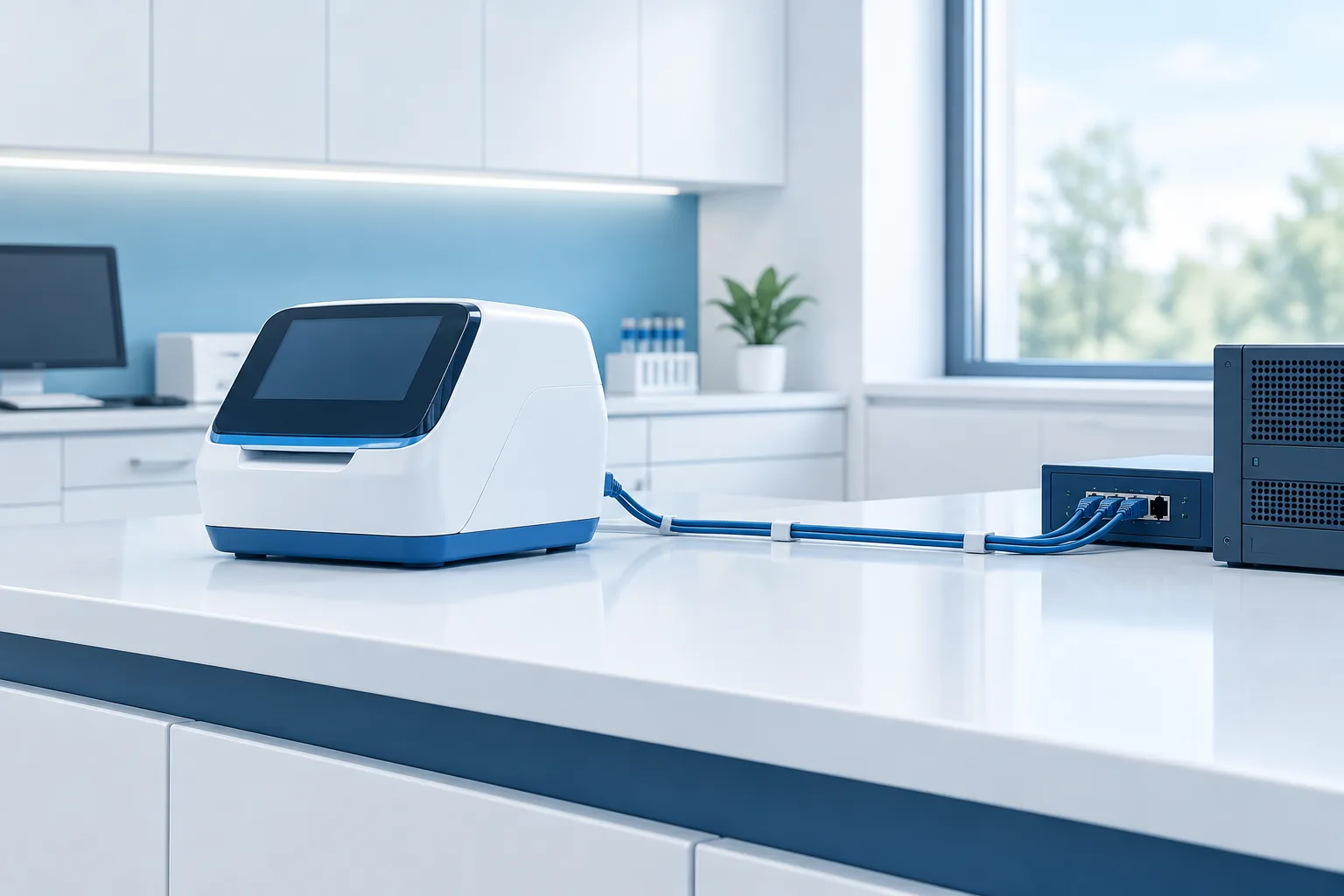
A diagnostic device can support care while also adding new connections, software, and support arrangements to your clinic’s technology environment. A medical device network security checklist helps your team assess those dependencies before installation, rather than discovering them during a clinical disruption or security review.
Evaluate the device’s essential clinical function separately from optional network, cloud, or remote-support features. The goal is not simply to connect the device. It is to understand its data flows, limit unnecessary access, plan for updates and downtime, and agree on who approves the connection.
Start with the clinical purpose and connection needs
Ask the clinical owner and manufacturer to describe how the device is used, which workflows depend on it, and what network access is required for those workflows. A feature that is useful may not be essential to the device’s core clinical function.
- Which clinical tasks require the device, and what happens to those tasks if it is unavailable?
- Does it need to communicate with an electronic health record, imaging system, laboratory system, cloud service, or another device?
- Which connections are required for normal operation, and which are optional, such as remote monitoring or vendor support?
- Does it need internet access? If so, what specific services or destinations must it reach?
- Can the device operate safely if an optional connection is disabled or temporarily unavailable?
Capture the answers in plain language. If the manufacturer cannot explain why a connection is needed or where it leads, pause the installation review until your team can assess the gap.
Request security and support details from the manufacturer
Ask for documentation that lets your IT and clinical teams assess the device throughout its use, not just during setup. The FDA’s cybersecurity guidance for medical devices addresses security considerations across a device’s lifecycle and information associated with premarket submissions.
- Device and software inventory: Request the device model, operating system, software components, and any connected applications or services.
- Security documentation: Ask what security controls are available, what known limitations apply, and how the manufacturer communicates security concerns.
- Support lifecycle: Clarify how long the device and its software are supported, and what happens when support ends.
- Update process: Ask how updates are provided, what they change, how the manufacturer validates them, and whether installation requires a service visit or clinical downtime.
- Incident contacts: Identify who the clinic should contact for technical support and security issues, including outside regular support hours if that matters to your operations.
Keep the manufacturer’s answers with your device records. If the answers are incomplete, identify who will follow up and resolve the questions before the connection is approved.
Map what information the device handles and where it goes
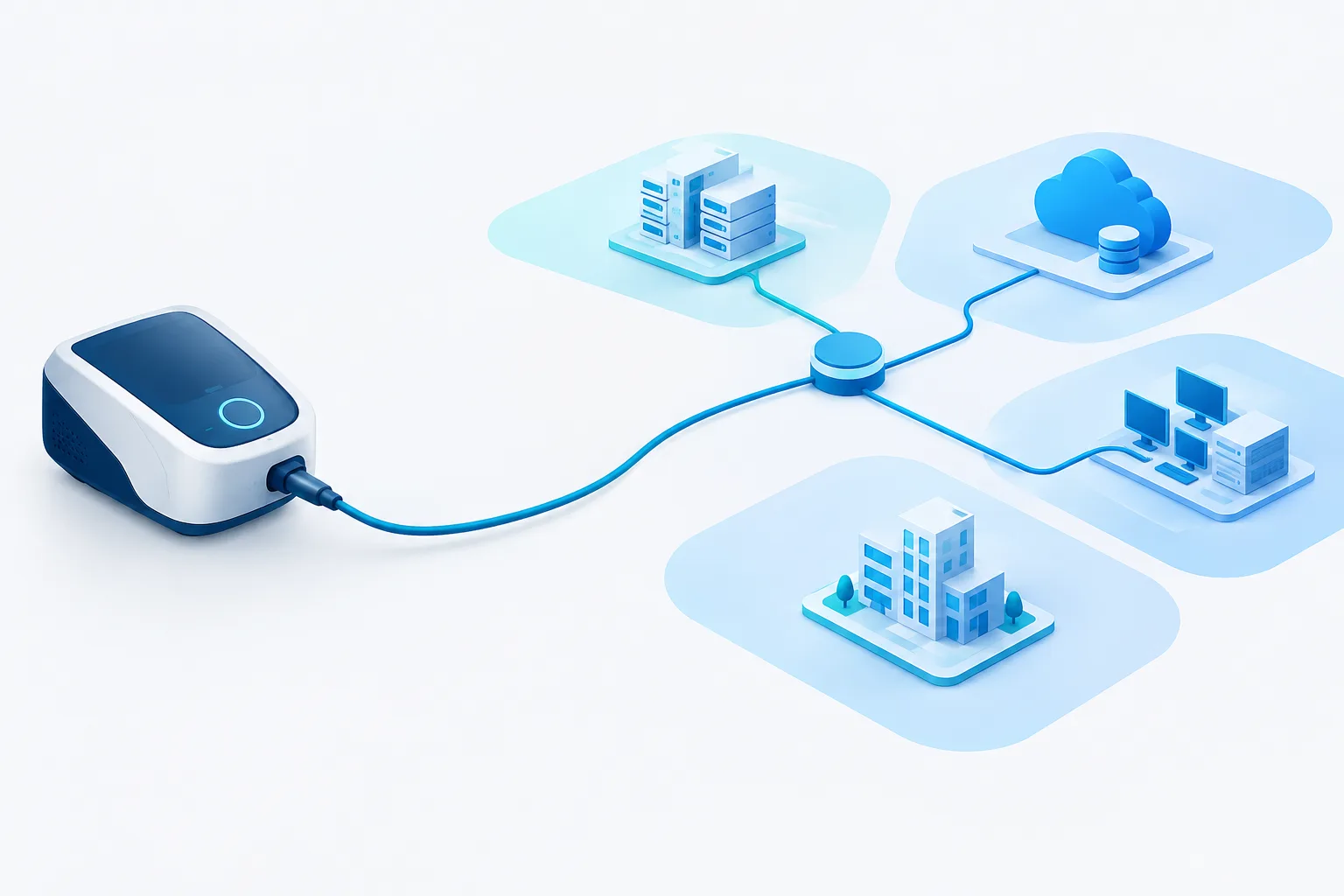
Request a data-flow map or a clear written explanation. Include information sent within the clinic as well as information transmitted to the manufacturer, cloud services, or other third parties. A device’s data path may extend beyond the equipment itself, so avoid assuming that information stays on the local network.
- What information does the device collect, display, store, or transmit?
- Where does information go, including vendor systems and cloud services?
- What connection methods does it use, and are communications protected in transit and at rest?
- How long is information retained, and who can access it?
- Does a vendor or another third party receive access to device data or systems?
- What is the process for changing data destinations, service providers, or device settings?
Document the purpose of each data flow and the clinic contact responsible for reviewing it. For related risk-management considerations, see Zevonix’s overview of healthcare IT risk management.
Set rules for vendor remote access
Remote support can help a manufacturer troubleshoot a device, but it also creates a path into the clinic’s environment. Treat access as a separate approval decision, not an automatic part of installation.
- Confirm whether remote access is necessary, what systems it can reach, and whether it can be disabled when not in use.
- Require individual, named accounts rather than shared credentials, and use multifactor authentication where available.
- Limit vendor permissions to the systems and tasks needed for support.
- Require clinic approval before a session begins, except where an agreed emergency process applies.
- Use time-limited access, and make sure sessions end when the approved work is complete.
- Record and review access activity, including who connected, when, and what work was performed.
- Agree on how access is revoked when a support relationship changes or ends.
Write down who can approve a session, how staff request assistance, and how the clinic will handle an urgent support need. The HHS 405(d) resource on network-connected medical device security can help teams frame their device security review.
Plan updates, segmentation, and monitoring
Clarify who receives update notices, who evaluates them, and who schedules testing and installation. A vendor-approved update still needs a clinic process that considers clinical availability and compatibility with connected systems. Zevonix’s article on managed patching in healthcare discusses why patch planning and oversight matter.
Before installation, agree on how updates will be tested, who signs off, and how the device can be returned to a working state if an update causes a problem. If the device cannot be patched or uses unsupported software, do not treat that as a routine exception. Document the limitation, assess the clinical and security implications, and decide whether compensating controls or another approach is appropriate.
Ask IT or your network team whether the device should sit on a separate network segment. Segmentation can limit unnecessary communication between devices and systems, but the design should still allow required clinical workflows. Identify the approved destinations and connections, then monitor for unexpected communication or changes in network behavior.
Include clinical downtime and patient-safety planning
A security review should consider what happens when the device or a supporting service is unavailable. Ask the clinical owner how staff will continue the relevant workflow during a network outage, device isolation, suspected compromise, delayed update, or vendor service disruption.
- Define who decides whether the device should be disconnected or taken out of service.
- Document a clinical downtime process and how staff will receive instructions.
- Identify how the clinic will communicate with the vendor and internal support team during a disruption.
- Plan how to restore the connection safely, including checks before normal use resumes.
- Make sure the plan accounts for the device’s role in care, not only the IT recovery steps.
Make the connection a documented approval
Give each reviewer a clear role. The clinical owner assesses workflow and downtime impact. IT and security review network access, data flows, access controls, and monitoring. Biomedical or clinical engineering reviews device operation and maintenance where that function exists. Procurement helps confirm that requirements and support commitments are understood before purchase or installation.
Before connection, record the device and software details, approved network destinations, data flows, remote-access conditions, update responsibilities, known limitations, downtime plan, and review owners. Include a named approver for the final go-or-no-go decision. Revisit the approval when software, vendor access, data destinations, or network behavior changes.
Frequently asked questions
Should a diagnostic device be placed on a separate network segment?
Consider segmentation as part of the network review. The design should restrict unnecessary access while still supporting the device’s documented clinical and operational requirements.
What if the device cannot receive security updates?
Document the limitation and assess the risks with the device owner, IT or security, and the manufacturer. Decide whether additional controls are workable or whether the device should not be connected.
Who should approve the network connection?
The clinic should define approval roles before installation. Include clinical ownership and the relevant IT or security reviewers, with biomedical or clinical engineering and procurement involved as appropriate.
What should the clinic document?
Keep the device and software inventory, data-flow details, approved connections, vendor-access rules, update process, known limitations, downtime plan, and final approval together.
Conclusion
A device connection is ready for review when the clinic understands its clinical purpose, data paths, vendor access, update needs, and downtime implications, and has named the people responsible for approval. For help assessing healthcare network and IT requirements, learn about healthcare network design or contact Zevonix to discuss your organization’s needs.