
Planning network connectivity for a second clinic location starts with a practical question: what must work at the new office on opening day, and how does each service get there? A cloud EHR may connect directly to the internet, while a shared file server or other system at the original site may need a secure connection between locations. Phones, staff Wi-Fi, guest access, and clinical devices add their own requirements.
Instead of copying the existing office network by default, map the workflows and systems the new clinic will use. Confirm the connection path and support responsibilities with each vendor, then test those workflows in the actual rooms where staff will work.
Map applications before choosing a site connection
Start with an inventory of the applications and equipment planned for the new office. Include the EHR and practice-management system, imaging or lab services, shared printers or files, telehealth tools, phones, payment workflows, and any clinical devices that need network access. For each one, record who uses it, where it is hosted, and which vendor supports it.
Then ask how each application is reached:
- Cloud service: Staff may connect from the new clinic directly to the provider over the internet. Ask the application vendor about its connection, firewall, DNS, and security requirements.
- System hosted at the original office: The new clinic may need a secure site-to-site connection to reach it. Confirm whether the vendor supports that setup and what traffic must pass through the connection.
- Third-party hosted or managed service: Confirm the supported route to the service, any network requirements, and who will coordinate changes if access fails.
A clinic site-to-site VPN can be appropriate when the new office needs controlled access to resources at the existing location. It is not automatically required just because a clinic has multiple locations. If applications are cloud-based and do not depend on systems at the original office, a VPN may add complexity without serving a clear workflow. Have the application and IT teams agree on the intended path before configuring it.
For a closer look at questions around cloud EHR and telehealth connections, see this guide to internet requirements for cloud EHR and telehealth.
Plan separate access for people, phones, and devices
List the types of equipment that will connect: staff computers, clinical devices, phones, printers, building systems, and patient or visitor devices. Decide which resources each group needs and whether it should be able to reach other parts of the network. Separating guest access from business systems is a sensible starting point; clinical and administrative equipment may also need different access rules based on their use and vendor guidance.
Document exceptions rather than assuming every device can use the same network. For example, a device vendor may specify how its equipment connects or what support access it requires. Ask the vendor and the IT team to review those requirements together. The CISA guide to securing Wi-Fi networks offers additional security considerations for wireless access.
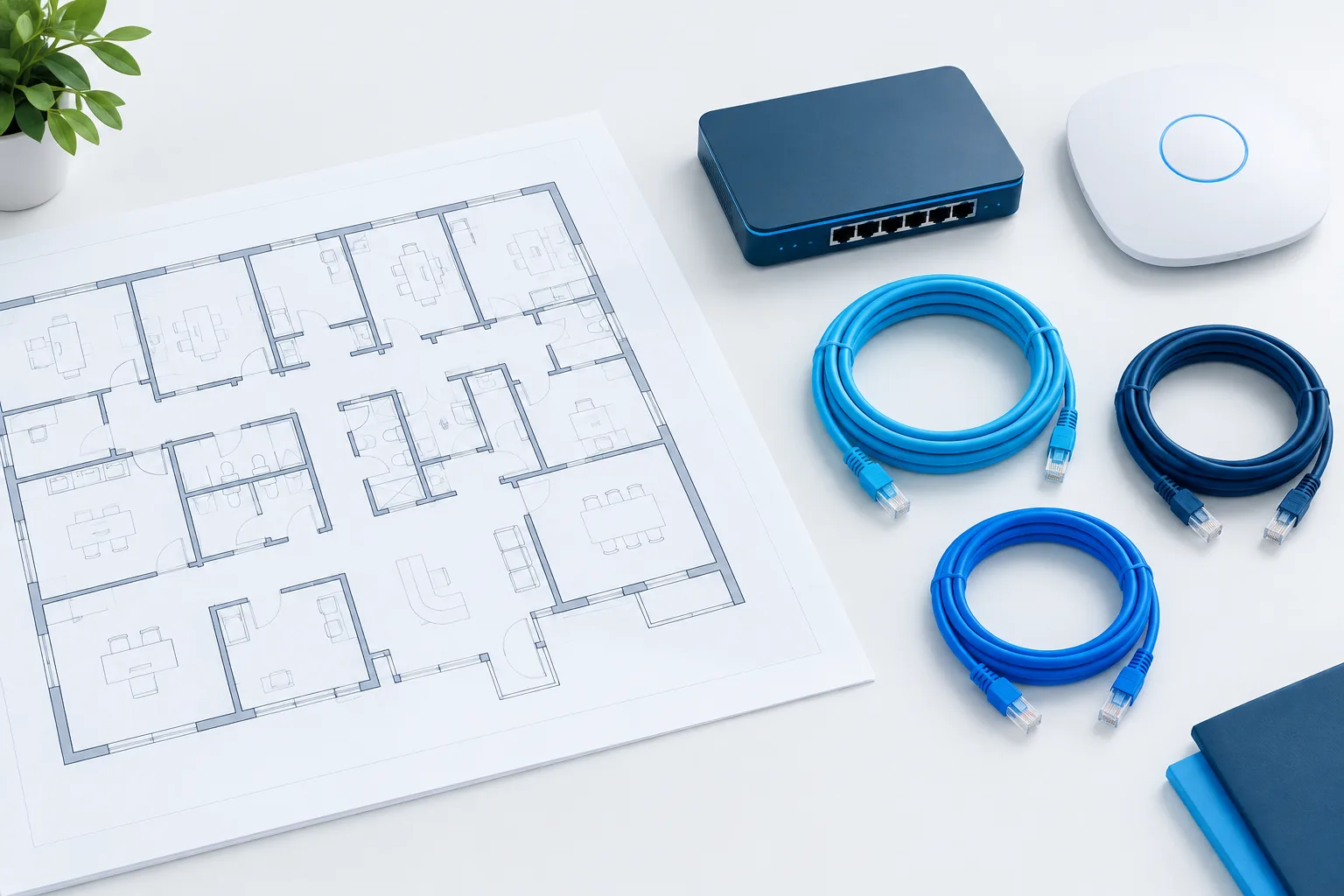
Wi-Fi planning should use the floor plan, not just the clinic’s square footage. Mark rooms where staff will use EHRs, take calls, conduct video visits, or connect clinical equipment. Consider walls, interior rooms, waiting areas, and places where staff move between work areas. A wireless plan should account for the expected mix of devices and validate coverage where the work happens.
Do not assume that a visible Wi-Fi signal means the connection will perform well for a clinical task. Test sign-in, application response, voice quality, and roaming between relevant rooms. If there are medical devices on the network, coordinate their connectivity and access requirements with their manufacturers. This medical device network security checklist can help structure that review.
Include phone service in the connectivity plan
Confirm whether the clinic will use cloud VoIP, a phone system connected to the existing office, or another vendor-supported arrangement. Ask which internet connection the phones use, whether voice traffic has specific network requirements, and what happens to calls if the primary connection is unavailable. Clarify whether the clinic needs a local fallback or a way to redirect calls, and who is responsible for configuring it.
Test calls from the rooms and work areas where staff will answer them. Check inbound and outbound calling, call transfers, voicemail, and any front-desk or shared-phone workflows. Test calls while other planned clinic tasks are happening, rather than evaluating phone service in isolation. For more on planning phone workflows, see the guide to healthcare VoIP phone systems.
Choose primary and backup internet based on the work
Compare the internet options available at the new address and confirm installation timing with providers early. Ask about service availability, expected installation steps, equipment, support, and how outages are reported. The required capacity depends on the clinic’s applications, simultaneous users, video visits, calls, and other network traffic. Ask each application and phone vendor for its requirements, then review them together against the clinic’s expected workflows.
Decide whether a backup connection is warranted for the work the clinic must continue during an outage. A backup may use a different connection method, but its value depends on whether it is available at the address and whether it can support essential tasks. Agree on which systems should remain usable during a failover, who will switch connections if it is not automatic, and how staff will recognize and report the issue.
Write down what staff should do if internet access is lost. Identify which workflows stop, which approved alternatives are available, and how patients and the main office will be contacted. Do not assume that a backup connection preserves every function: test the services the clinic depends on and document limitations.
Coordinate vendors and confirm ownership
Network changes often involve several parties. Give the EHR, phone, internet, device, and IT contacts a shared opening plan. Record who supplies each requirement, who changes firewall or DNS settings, who tests access, and who receives a support call after opening. Confirm escalation contacts and expected support coverage before relying on a service.
Use a sign-off checklist that includes:
- Application paths and access requirements confirmed with each vendor.
- Internet service installed and tested at the new address.
- Secure site-to-site access configured only where required.
- Staff, guest, phone, and device access reviewed and tested.
- Wi-Fi checked in clinical rooms, reception, and other work areas.
- Phone workflows tested, including the agreed response to an outage.
- Support contacts, escalation steps, and post-opening ownership documented.
Ask vendors to identify dependencies that are easy to overlook, such as approved firewall rules, DNS settings, remote support access, or a required network route. Have the responsible party confirm that each change is complete. A shared checklist helps prevent one vendor from assuming another has finished a task.
Test the clinic before opening
Run tests from the new location, using the devices and accounts staff will actually use. Sign in to the EHR and other shared applications, complete representative tasks, place phone calls, and check Wi-Fi in the rooms where care and administration will happen. If video visits are planned, test the intended setup and locations. Include a test of the backup connection and confirm which services do and do not work during failover.
Make sure staff know how to report a problem and what to do while it is being resolved. Record test results, unresolved issues, and the person responsible for each follow-up. If an issue is found, retest the affected workflow after the fix rather than relying only on a vendor’s confirmation.
Frequently asked questions
Does a second clinic location need a site-to-site VPN?
Not necessarily. It may be needed to reach systems hosted at the original clinic, but cloud applications may connect directly to their provider. Confirm the required path with each application vendor and your IT team.
How should a new clinic connect to a cloud-based EHR?
Ask the EHR vendor for its supported network, firewall, DNS, and security requirements. Test access from the new location with the devices and workflows staff will use.
How much bandwidth does a clinic need?
There is no single suitable figure for every clinic. Review the vendors’ requirements and the clinic’s expected concurrent use of EHR, video visits, phones, and other services. Test those workflows together.
What should the clinic test before seeing patients?
Test application access, representative clinical and administrative workflows, Wi-Fi in work areas, phone calls, and any planned backup connection. Confirm support contacts and document what staff should do if a service is unavailable.
Plan around opening-day workflows
A reliable second location depends on clear application paths, appropriate access, tested Wi-Fi and phones, and vendors who understand their responsibilities. Zevonix provides managed IT and technology services to healthcare organizations across the country. To discuss planning connectivity for a new clinic location, contact Zevonix at (904) 658-0777.